
Read the description by layer
Hydrocolloid describes a material. Microdart identifies a surface with small projections. A brief can mention both when the adhesive backing is hydrocolloid and the central working area has an array. Request a component drawing or a labelled photograph to clarify what each word describes.
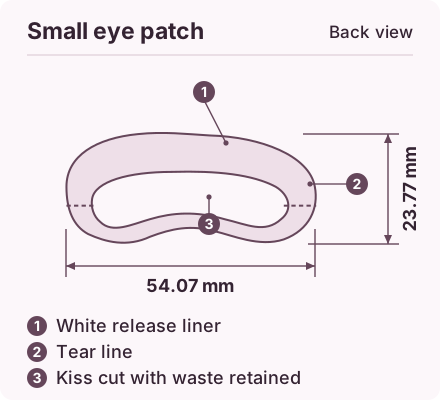
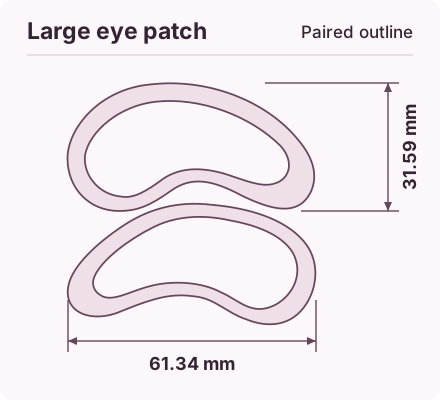
Compare the samples as the buyer receives them
Look at how the dot lifts from the carrier, how the unused dots remain on the sheet and whether a tray protects the structured face. A smooth-looking backing photo cannot confirm the geometry on the opposite side. Ask for a second view carrying the same sample reference.
Make the quotation comparable
Record patch count, liner design, primary pack and material information for both options. If the two quoted formats use different carriers or unit packs, ask for those differences to be written next to the quote before deciding which sample to approve.
Read a cross-section before sorting samples
A stock sheet labelled hydrocolloid can tell you the backing and adhesive construction. An OEM microdart proposal may also name a hydrocolloid adhesive around its textured field. Put a copy of the cross-section beside each sample and mark the layers visible at the centre and at the perimeter. Decide whether you are buying a plain dot or a patch with a distinct array, then request the relevant drawing and support for the finished item described in the quotation.
Avery Dennison Medical · MED 5597H hydrocolloid construction data sheet
Prepare your inquiry
Send a front-and-back reference and identify whether you are asking about a flat dot, the backing material or a structured spot patch.